99Design
01
Component Library:
Design
&
Build
Slected works 2025
Library
Design Build
Component

#
Component Library:
Design
&
Build


(what)
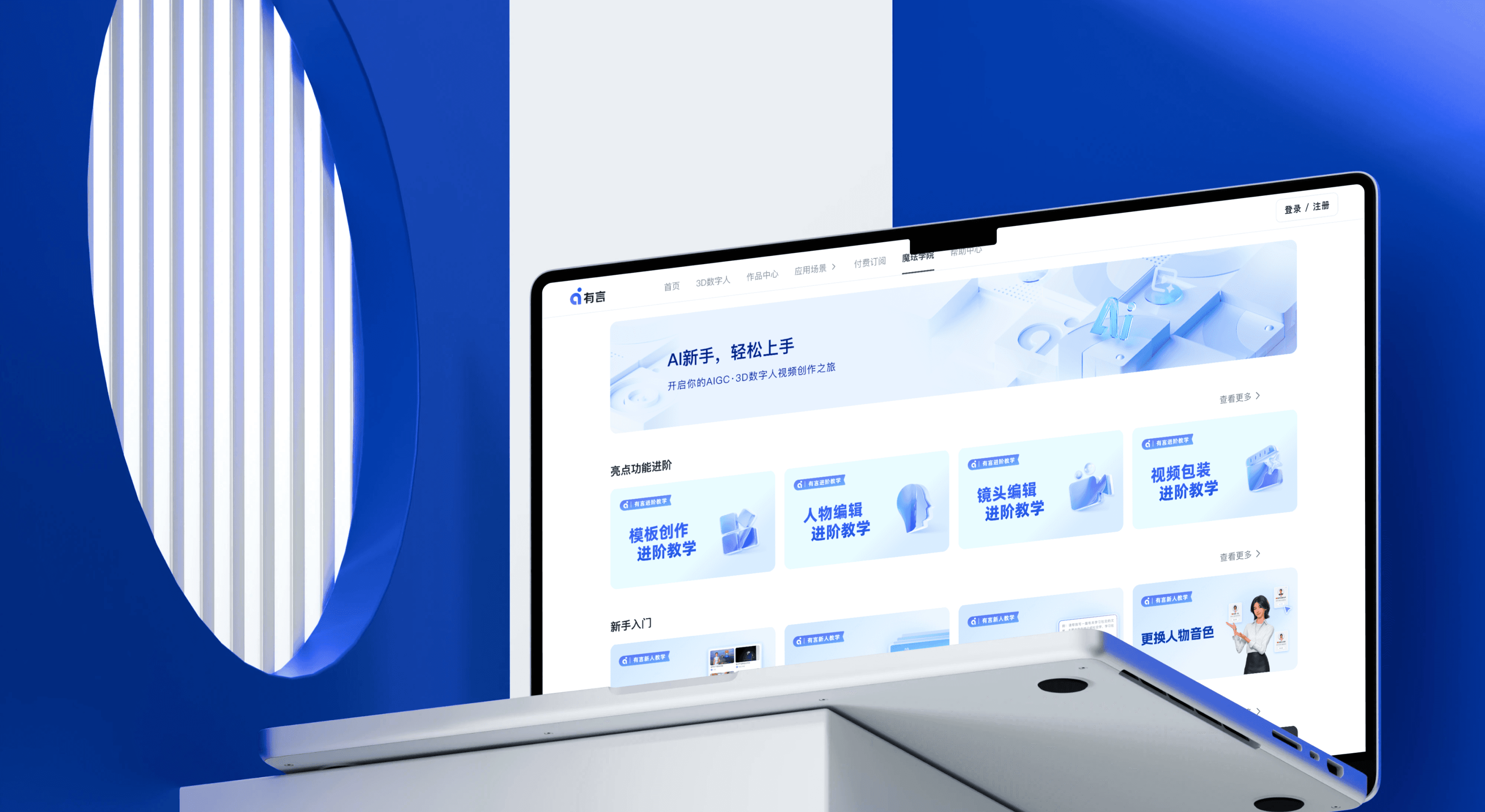
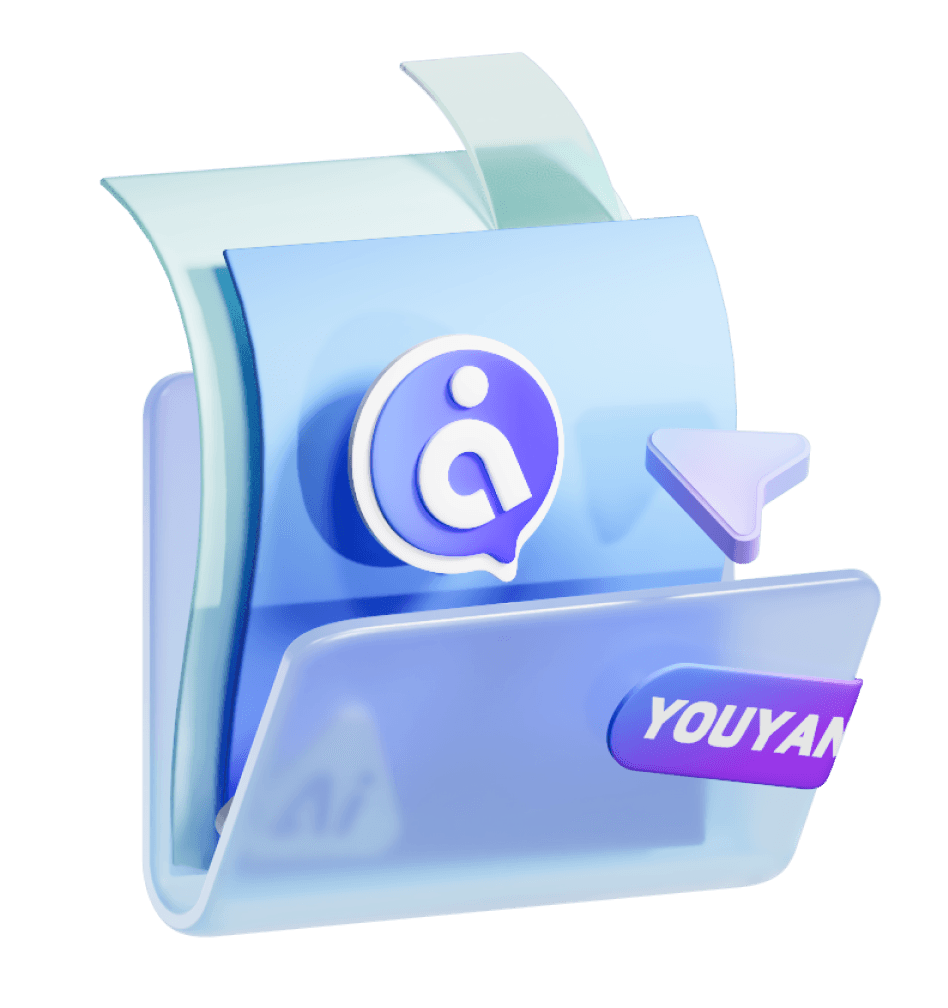
MoFa Youyan (Rendora for global markets) is a 3D digital human AI video generation tool. Users simply input text to instantly create high‑quality videos, suitable for brand marketing, corporate training, pre‑sales operations, digital departments, education, and more.1
(Project Goals)
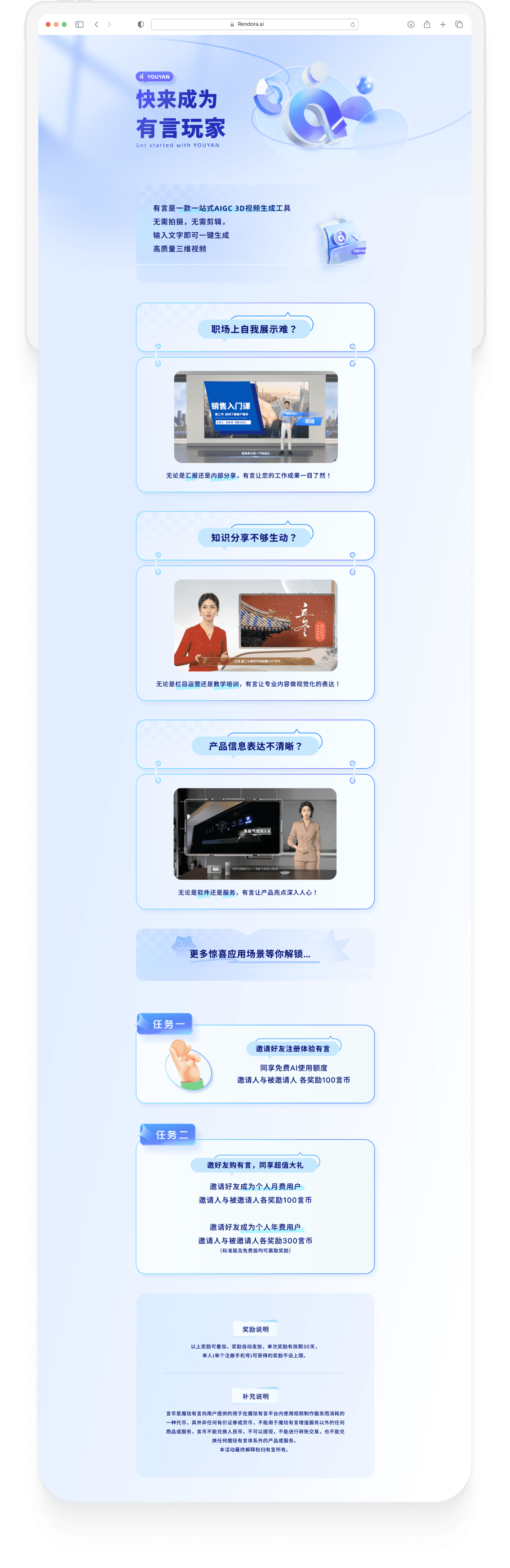
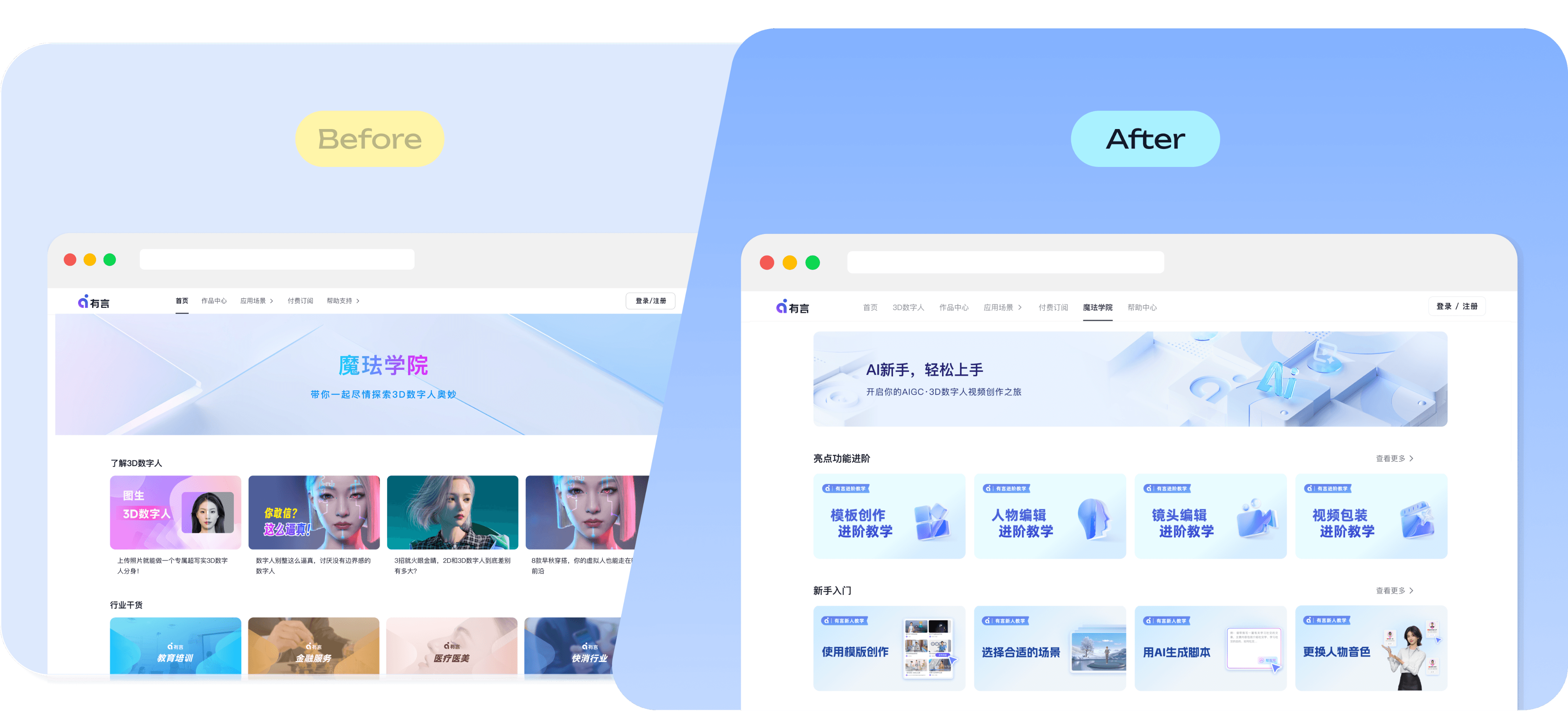
This project built a reusable component library for the Moyan Youyan (Rendora) product line, which has been successfully applied across key scenarios including the official website, tutorial banners, and SEO campaigns.
Client
xmov
my role
DESIGNER
date
jan 2025
What problem are we trying to solve?
我们想解决什么问题?
01
Not AI-Native?
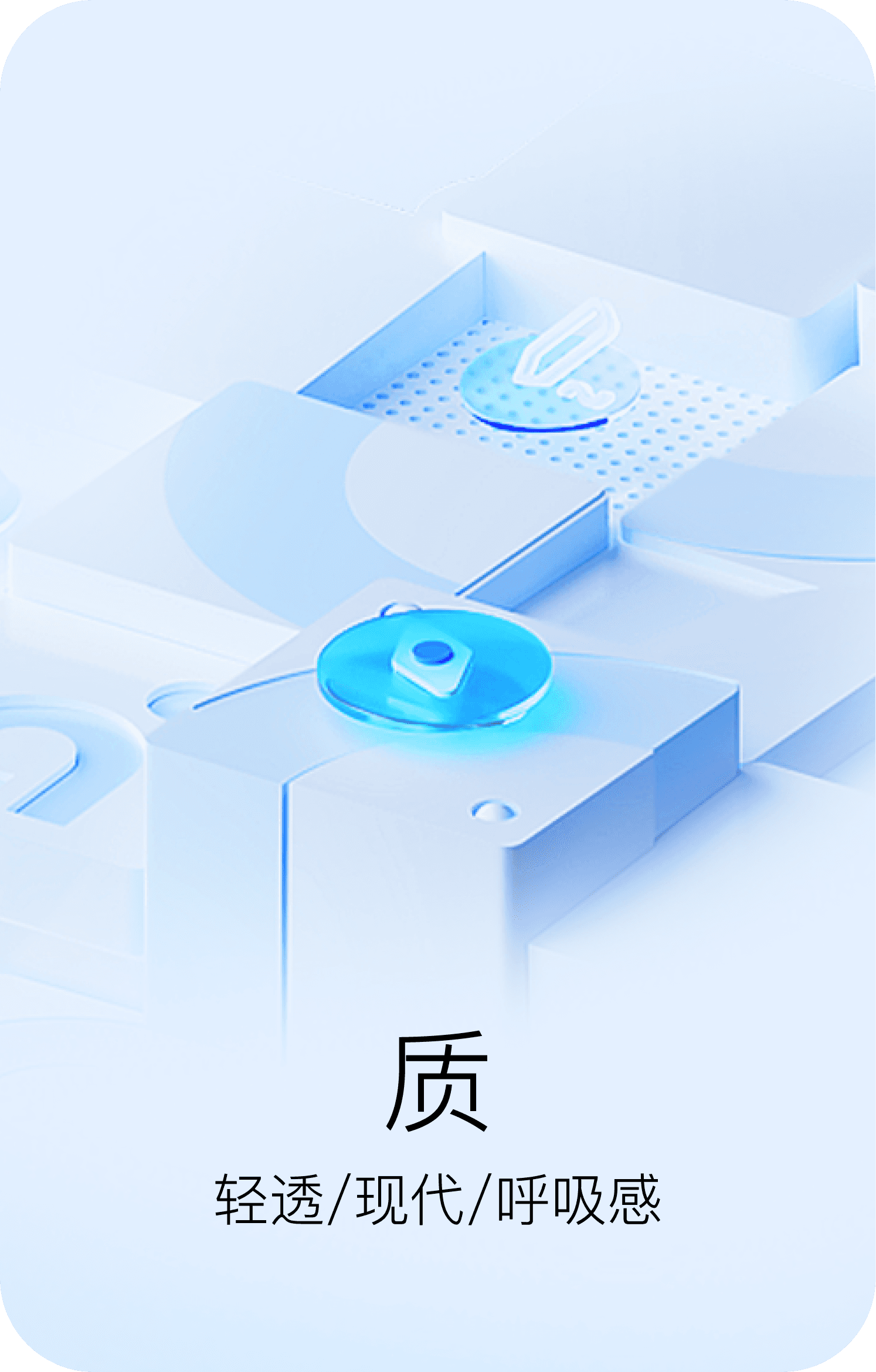
与品牌调性AI技术的前沿感不匹配
02
Not Systematic?
缺乏可复用的设计系统,设计效率低下
03
Not Consistent?
产品视觉/配色不统一,导致用户认知混乱。


brand
design system
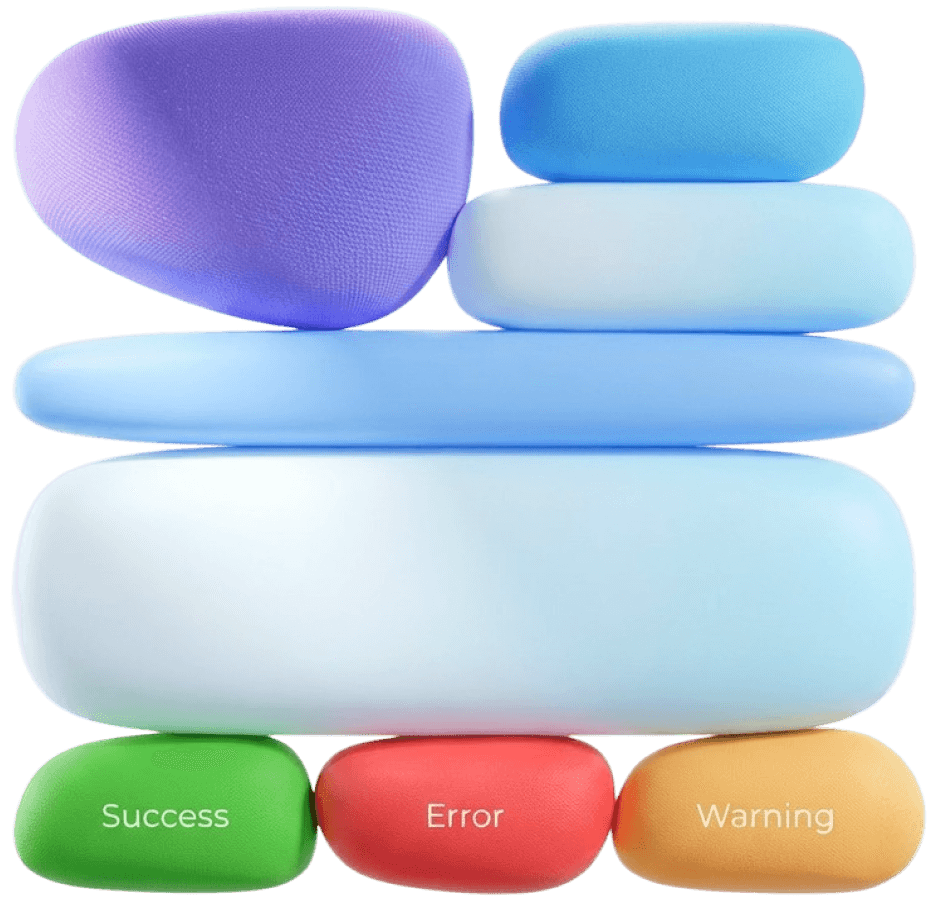
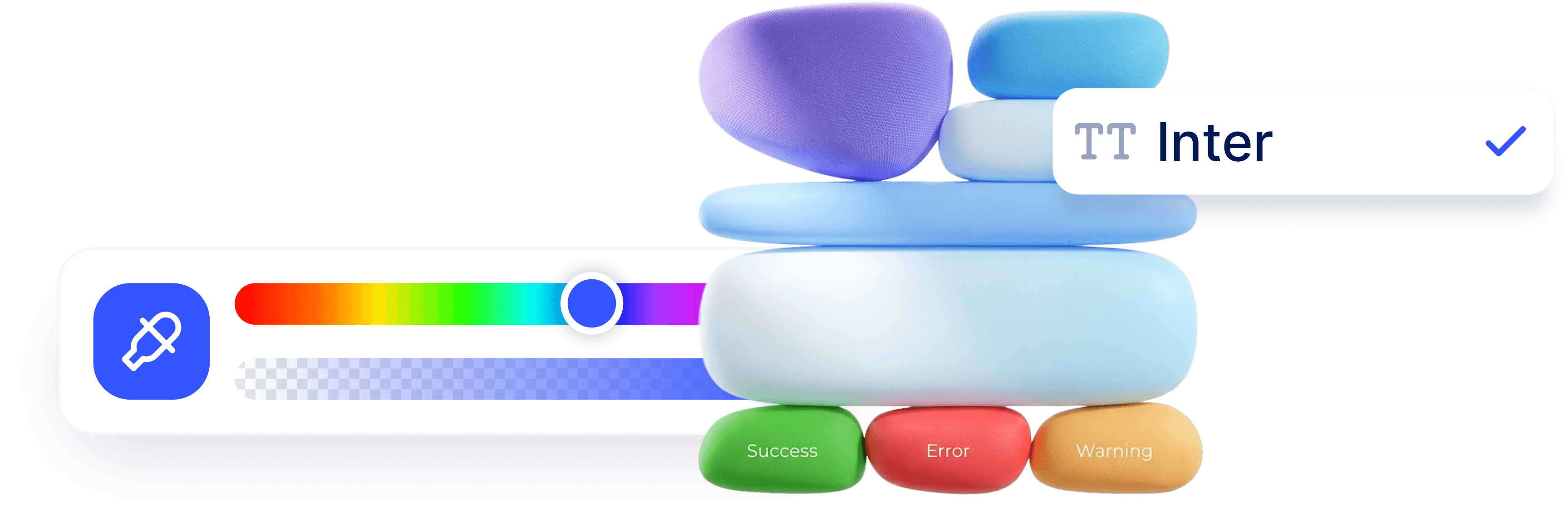
品牌色彩体系中,不同色相在编辑器内承担明确的语义功能。为让用户形成稳定的视觉认知,视觉设计需遵循整体用色规范,从现有 UI 组件中提取基础色值,这是保障品牌视觉统一性与界面一致性的核心基础。
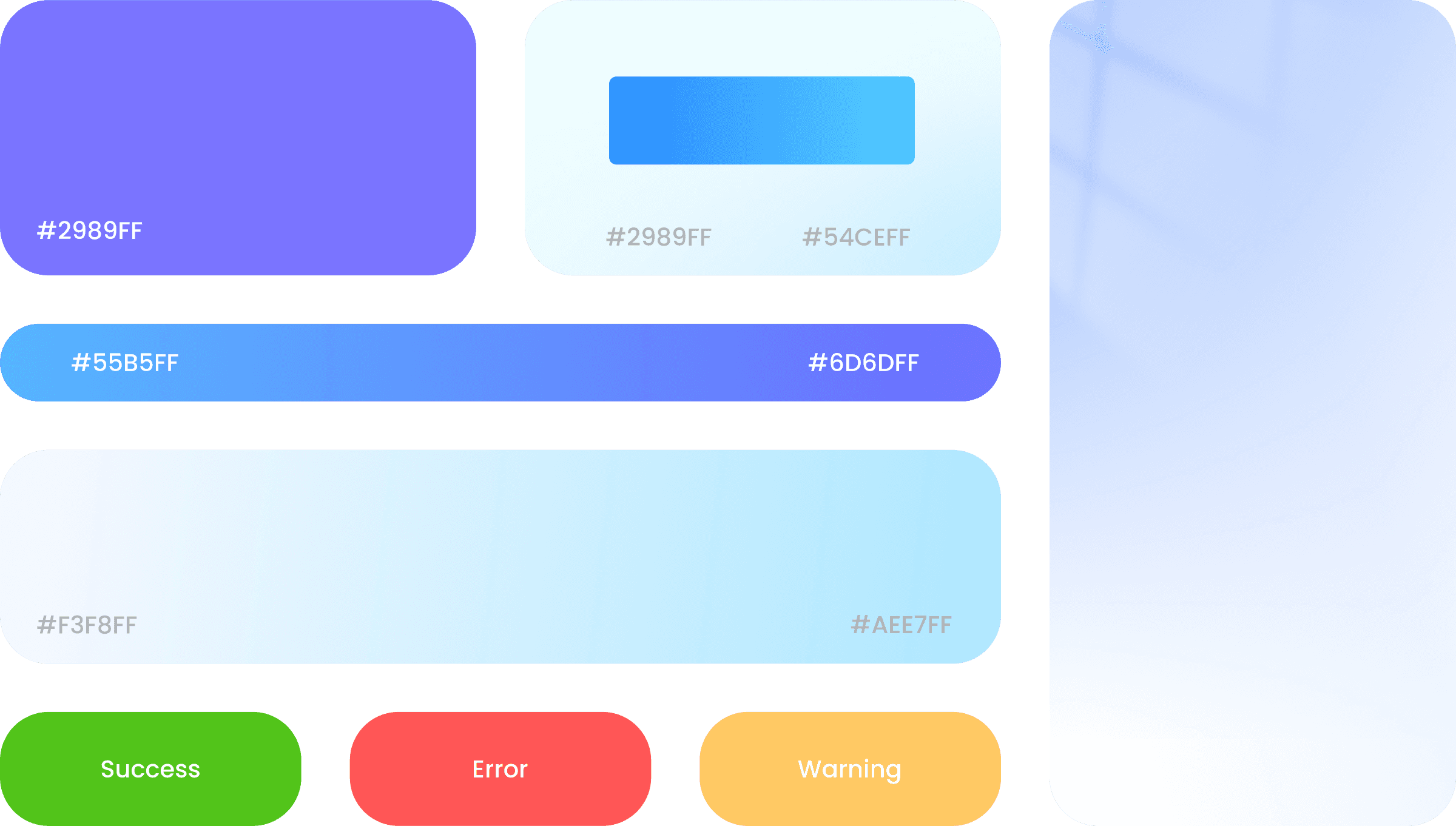
品牌色彩体系中,不同色相在编辑器内承担明确的语义功能。为让用户形成稳定的视觉认知,视觉设计需遵循整体用色规范,从现有 UI 组件中提取基础色值,这是保障品牌视觉统一性与界面一致性的核心基础。

Icon & Component
组件化
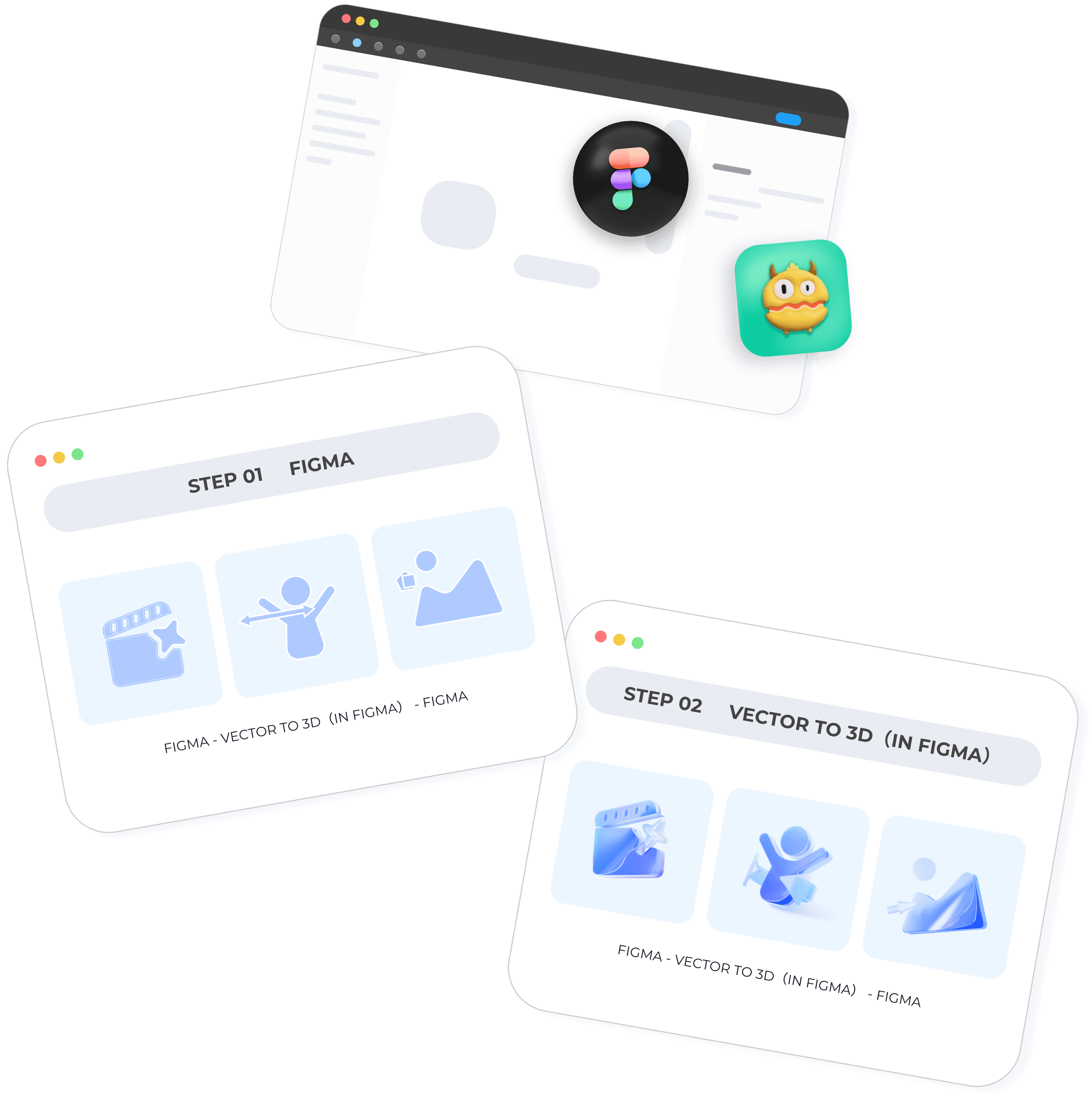
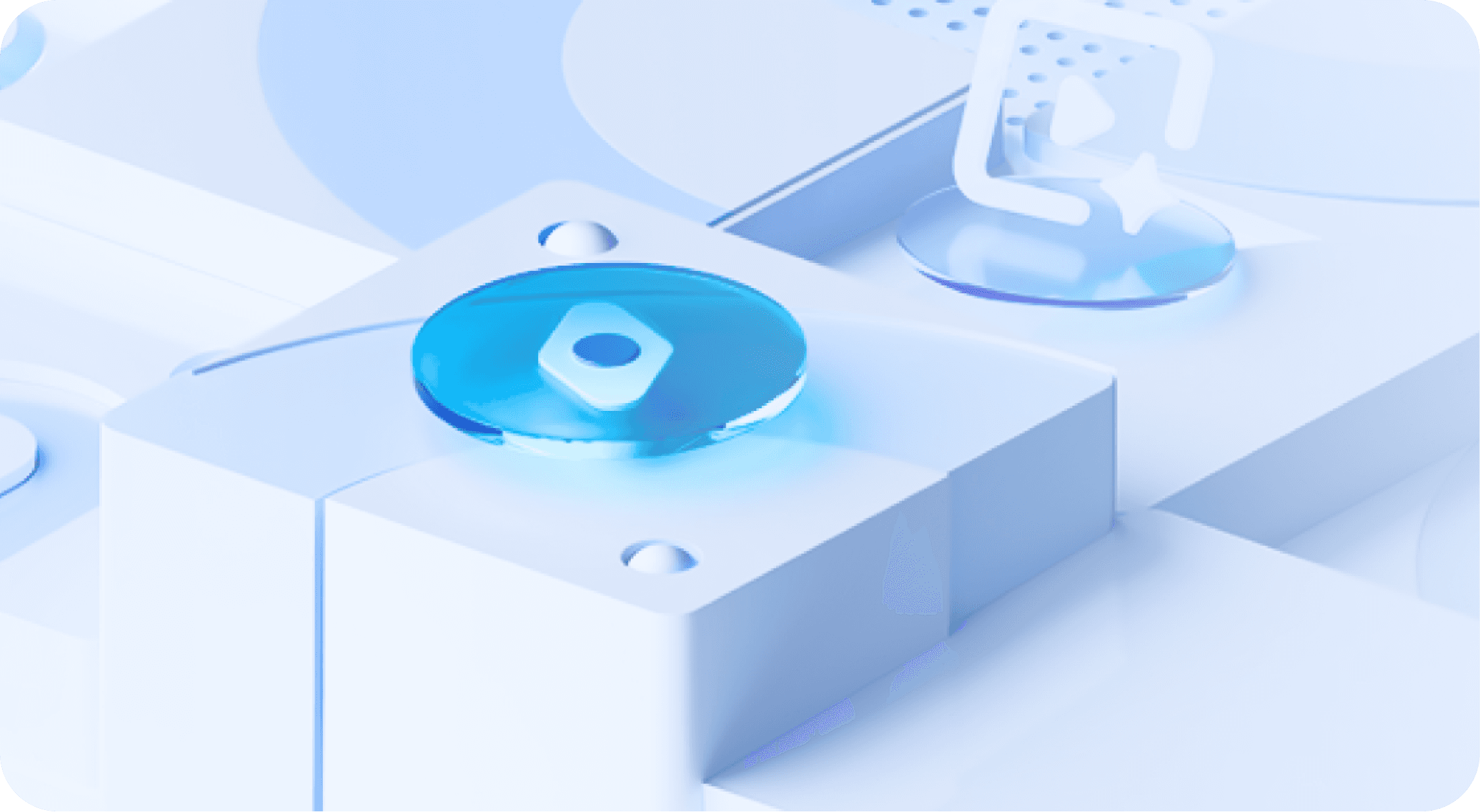
通过建立“矢量设计 → Vector to 3D → 组件库”的标准化流程(即所有图标和组件先在Figma中以矢量形式设计,再通过figma内置插件转化为3D效果,最后封装到组件库中),提升协同效率、保持设计一致性、便于迭代复用。

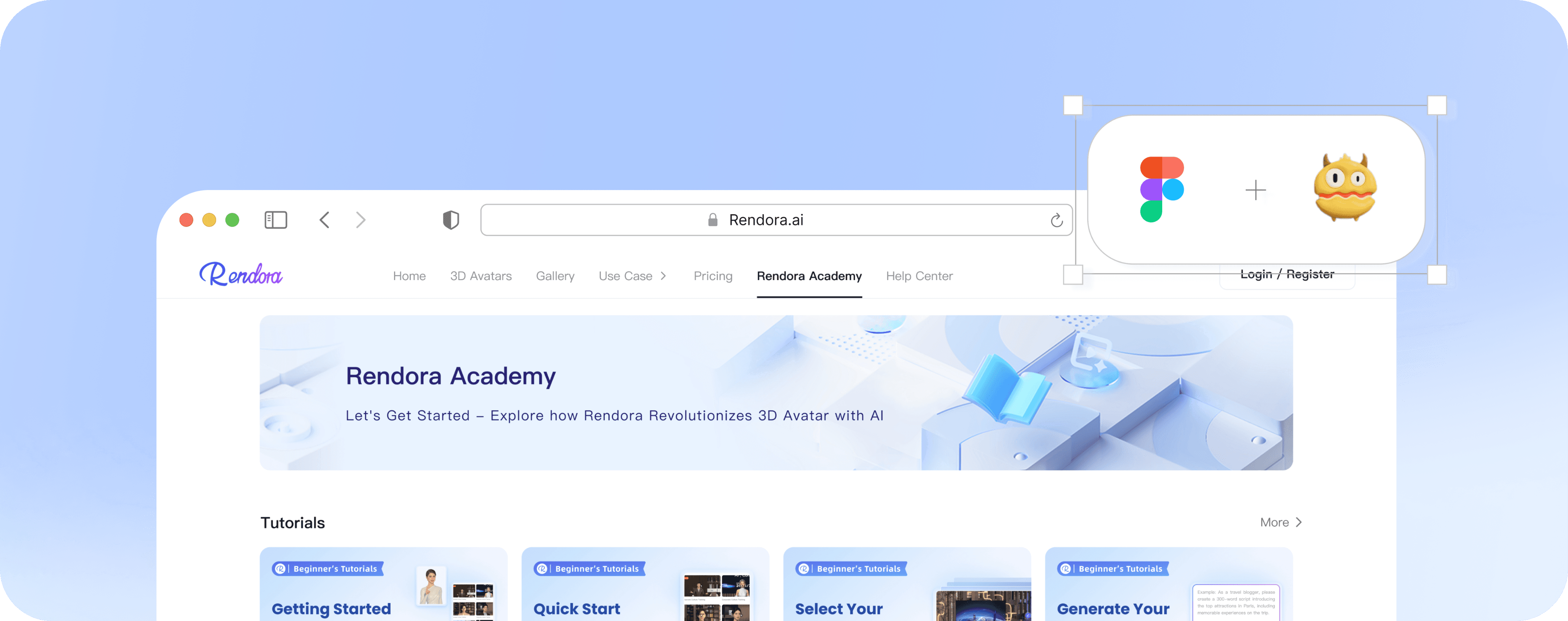
Begin Your Rendora Journey
Rendora's courses - perfect for beginners to 3D Avatar video creation.


Rendora Academy
Let's Get Started - Explore how Rendora Revolutionizes 3D Avatar with AI

Rendora Academy
Let's Get Started - Explore how Rendora Revolutionizes 3D Avatar with AI

#01








design
boosted
Craft
the Experience
design
boosted
Craft
the Experience
design
boosted
Craft
the Experience
design
boosted
Craft
the Experience
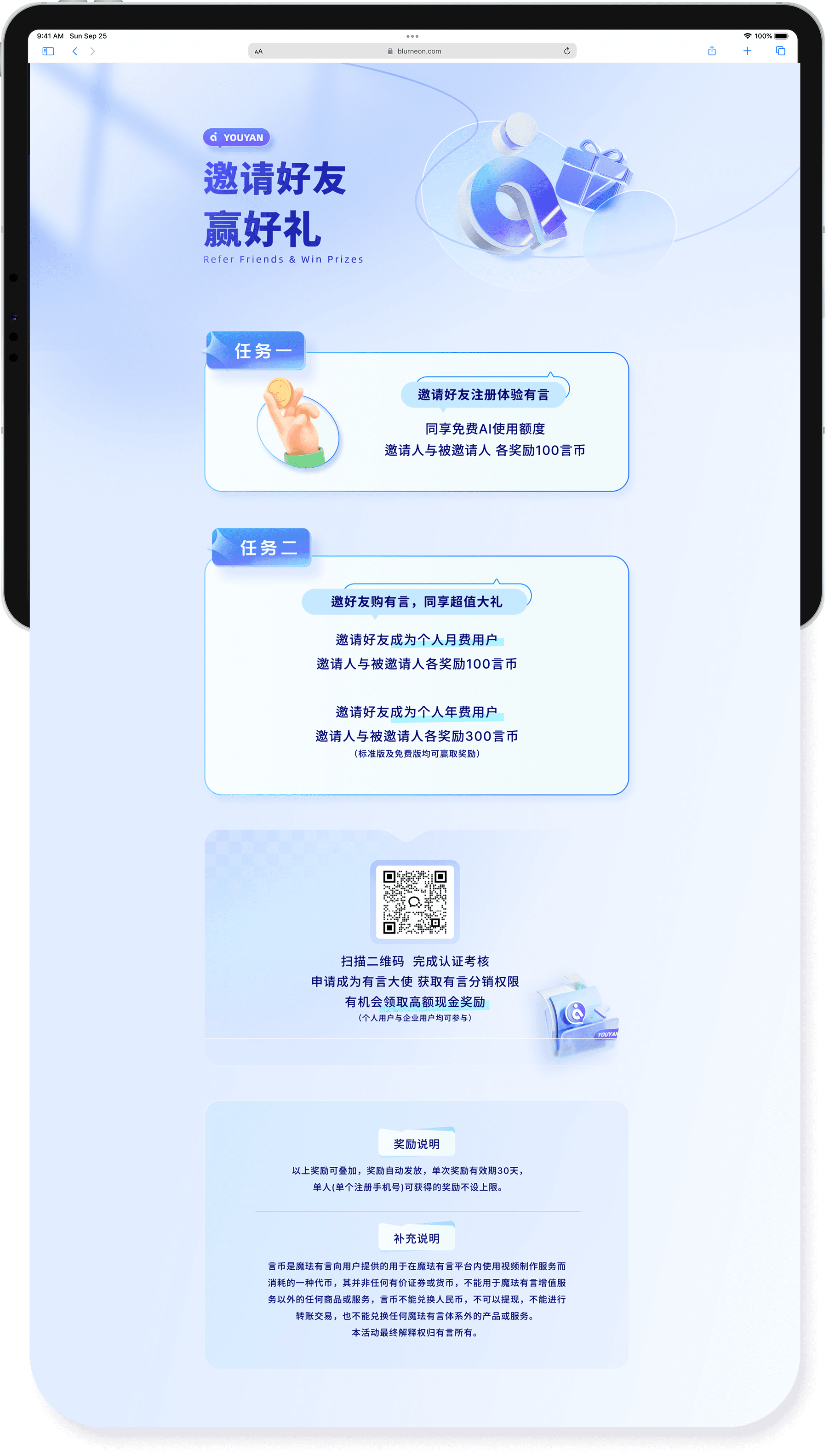
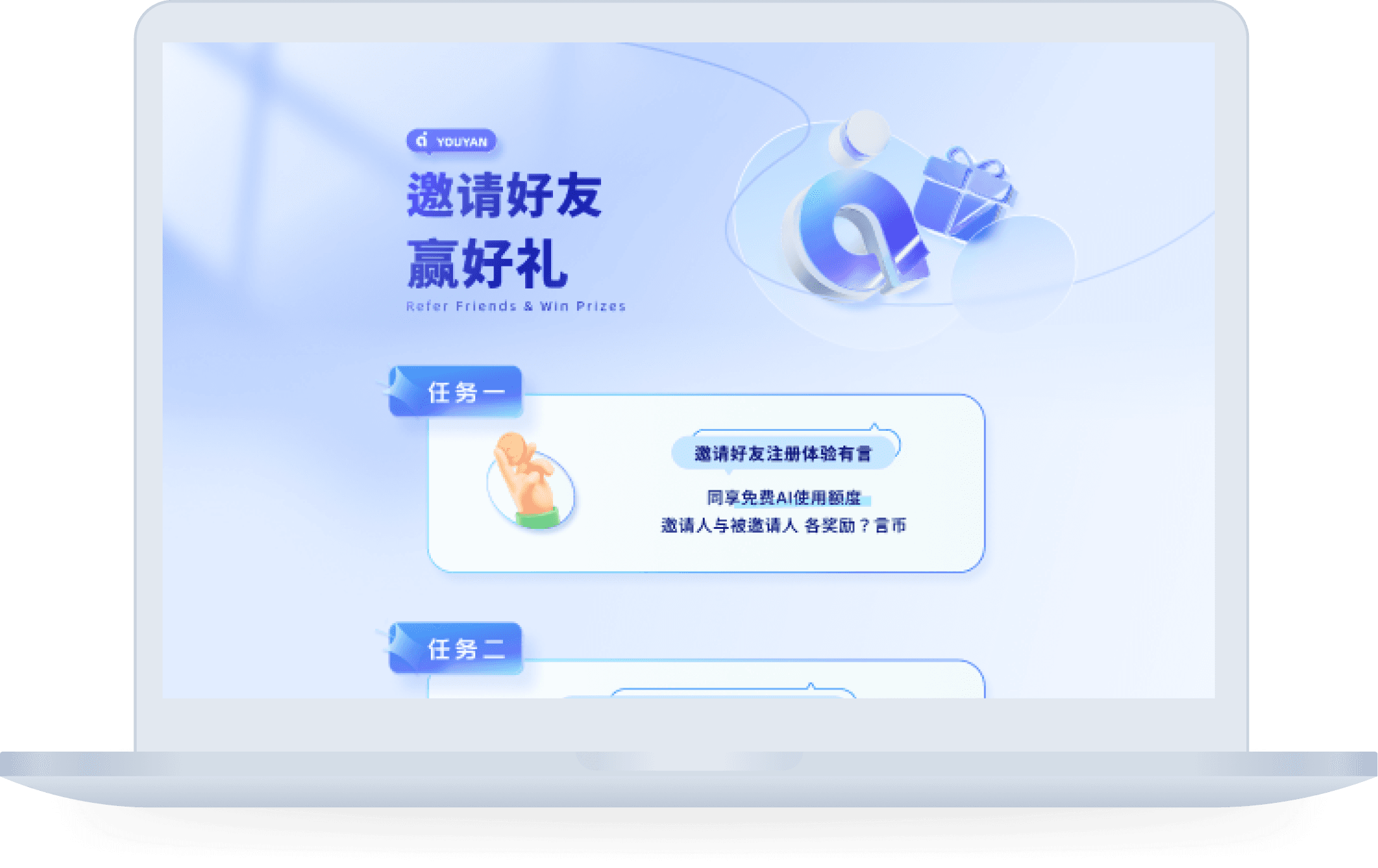
A
conversion
focused page usingreferrals and brand
narrative.


99 Design
slected work
01
Component Library:
Design
&
Build
YOUYAN
Component
Presets
#
Vector to 3d
组件化
预设

1.定义语义 ⇀ 2.替换实例 ⇀ 3.应用预设
1.1 根据所需场景绘制icon
工具:脑子
场景编辑
+
1.定义语义 ⇀ 2.替换实例 ⇀ 3.应用预设
2.1 选择组件并替换实例
工具:figma
只更改主体,不改动其他任何元素。(因为预设已经包含了场景灯光参数)
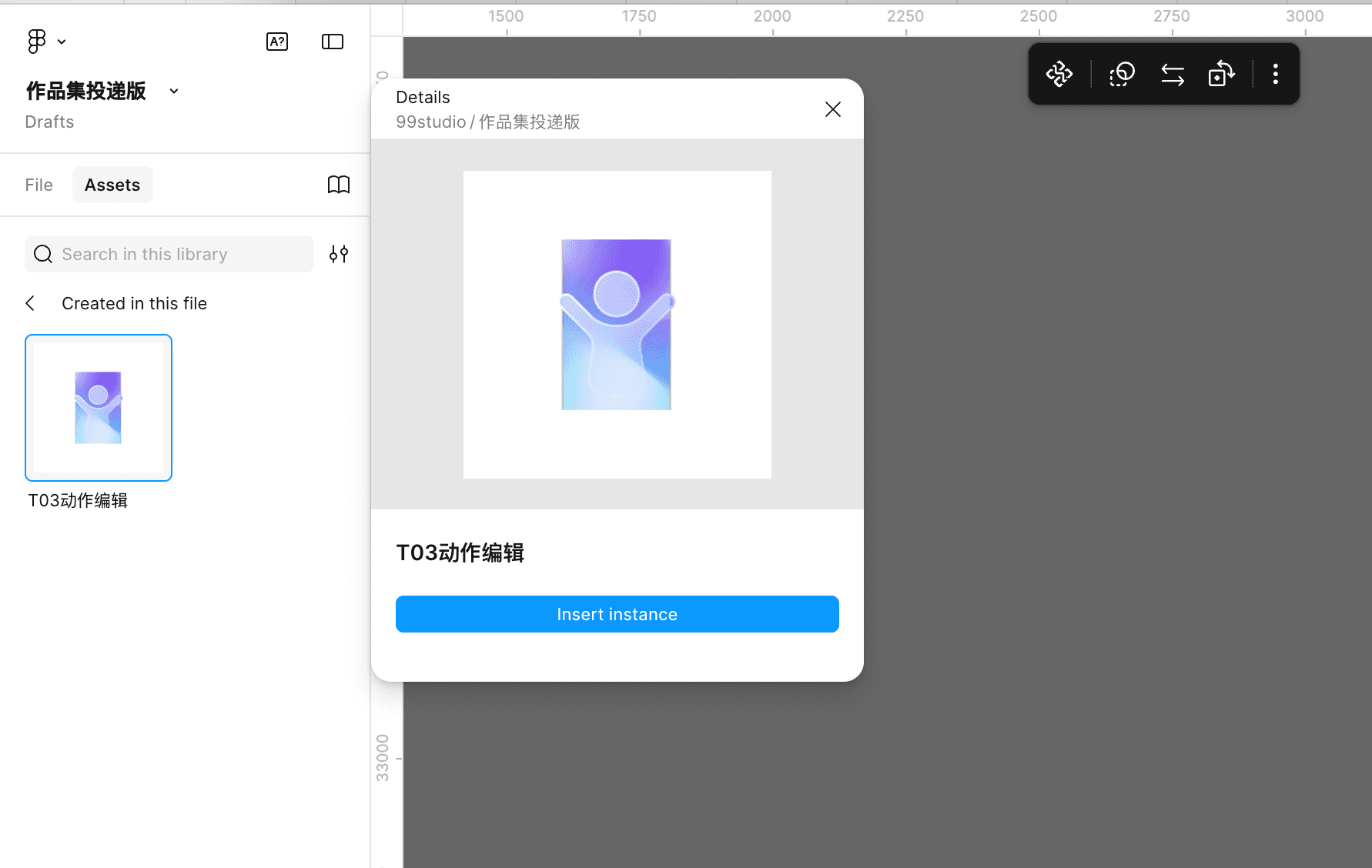
1.定义语义 ⇀ 2.替换实例 ⇀ 3.应用预设
3.1转换预设并导出,调色
Convert presets and export
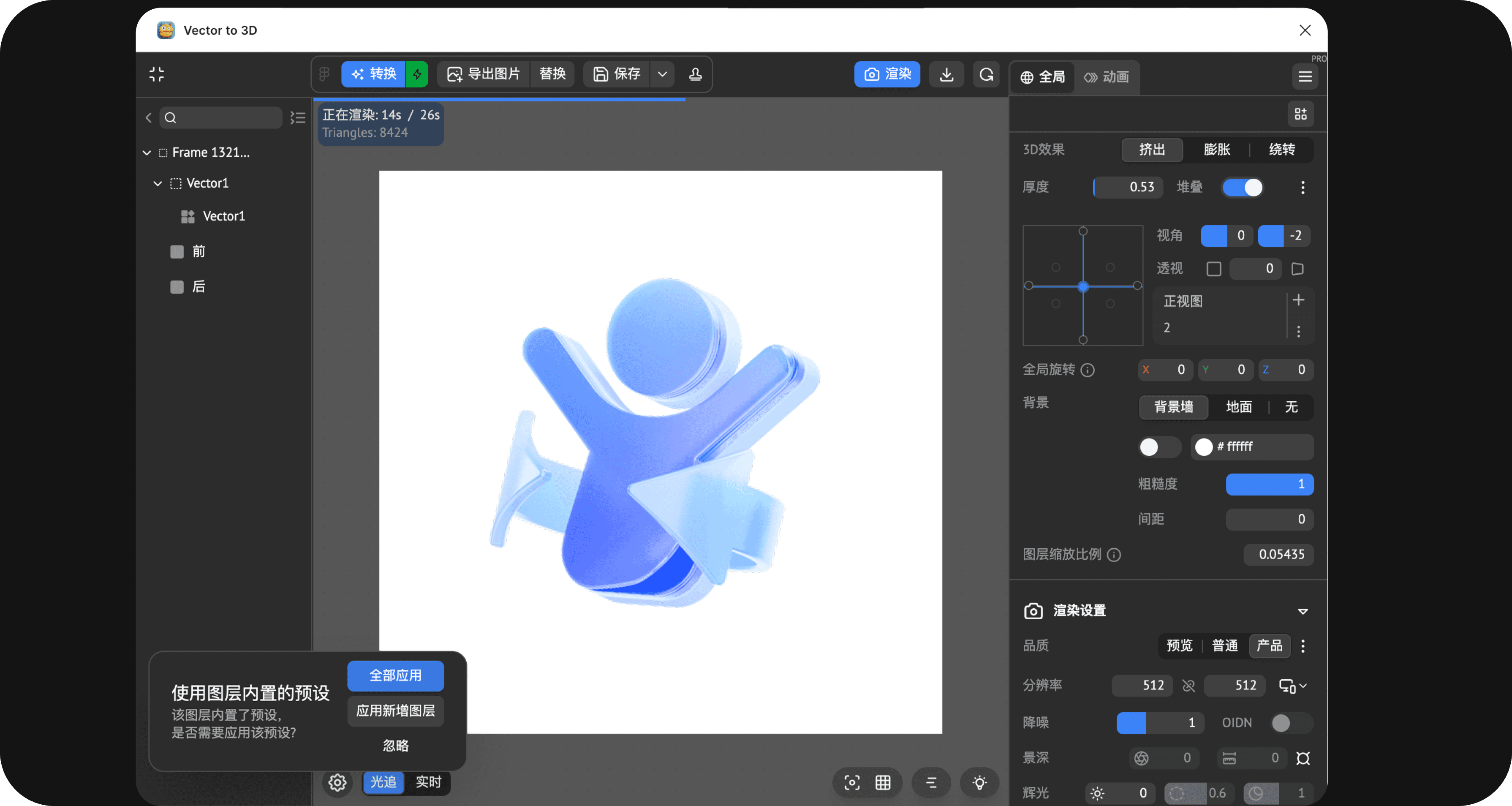
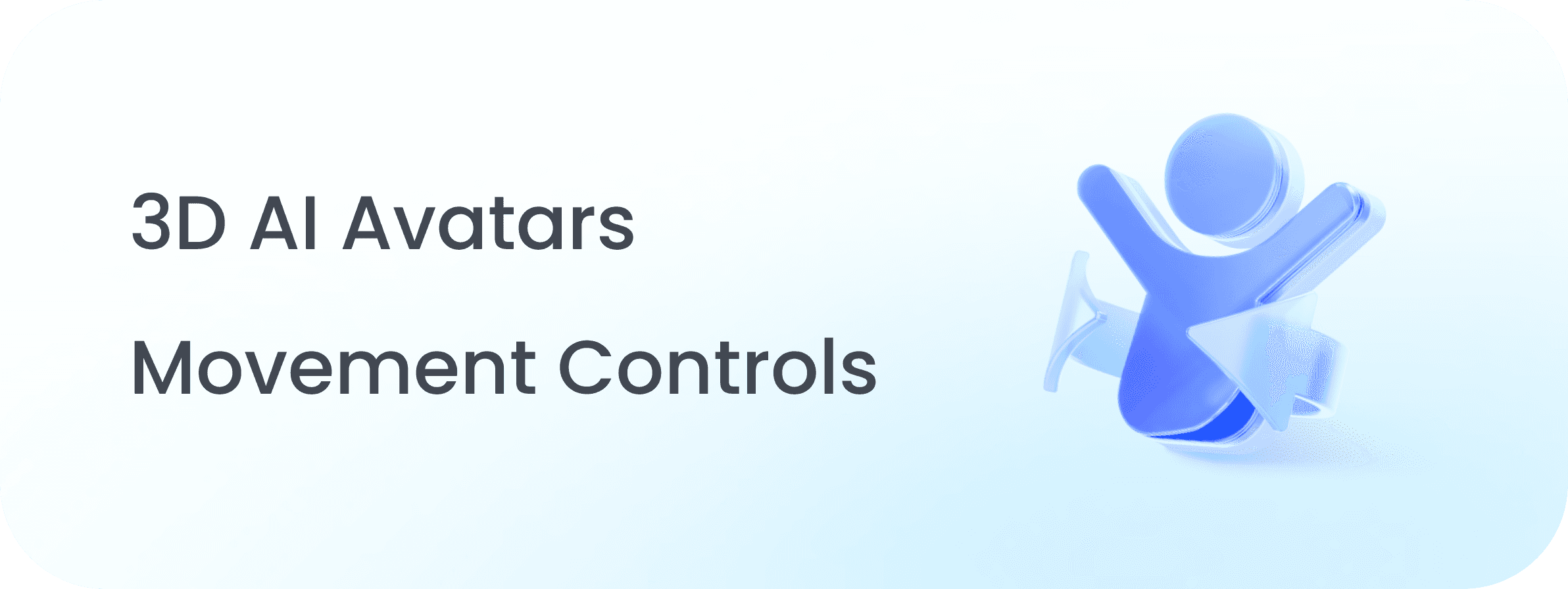
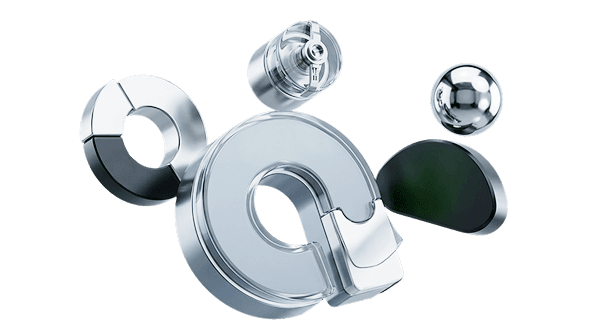
在插件中点击转换预设,然后应用等待渲染即可。这种预设适用于系列化的简单icon,所有流程在figma即可完成。只需做好前期的语义定义(如有言常见语义:动作编辑/镜头编辑/智能体/场景编辑等),产出简单icon即可替换。
工具:vector to 3d + Figma
99 Design
slected work
01
Component Library:
Design
&
Build
xmov

More available types?
get
start
with
youyan

R03 RENDORA.png
Variant
R01 RENDORA.png
Variant
T03 RENDORA.png
Variant

T03 RENDORA.png
Variant
T04 RENDORA.png
Variant

T04 RENDORA.png
Variant

R02 RENDORA.png
Variant

T03 RENDORA.png
Variant

T03 RENDORA.png
Variant
R05 RENDORA.png
Variant
R04 RENDORA.png
Variant

R08 RENDORA.png
Variant

T03 RENDORA.png
Variant

R05 RENDORA.png
Variant
design
boosted
Craft
the Experience
design
boosted
Craft
the Experience
design
boosted
Craft
the Experience
design
boosted
Craft
the Experience